AI Integration in London, Ontario: A Guide for Local Businesses
A practical guide to AI integration London Ontario businesses can use: the first tasks to start with, how to connect existing tools and how to protect privacy.
Innovision Code Team 9 min read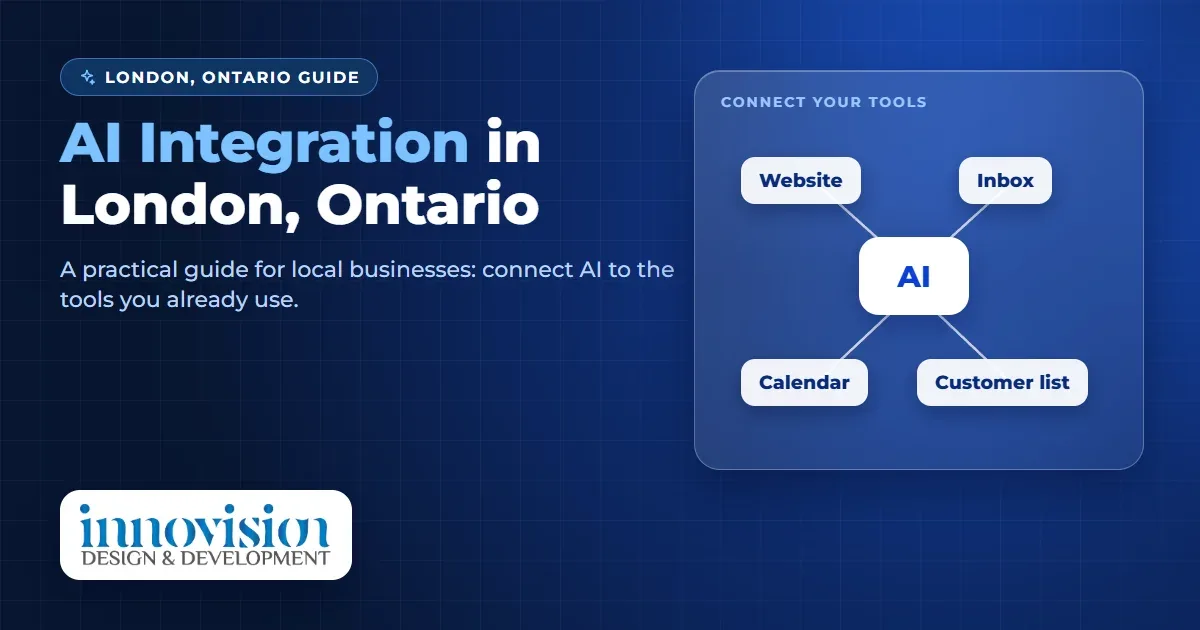
If you run a business in London, Ontario, you may have noticed that every software company now says it has AI. The harder question is a quiet one: how do you connect AI to the website, inbox, calendar and records you already use, without starting again? This guide is a plain, friendly look at AI integration London Ontario businesses can start this month.
We are Innovision Design & Development, a team based in Windsor that works with businesses across Ontario. We write this the way we would explain it over coffee: which tasks to start with, how to connect existing tools, how to look after privacy and how to begin in small, safe steps. It is for learning first, with no pressure to buy anything.
In this guide
- What AI integration London Ontario owners are really asking for
- Which tasks to start with
- Connecting the tools you already use
- Privacy and trust
- How to begin
- Questions to ask any provider
- Where to go next
What AI integration London Ontario owners are really asking for
AI integration simply means connecting AI to the systems your business already runs on, so that work moves between them without someone copying it by hand. A new enquiry arrives through your website, the details land in your customer list, a first reply is drafted for you to approve and a reminder is set. Nothing about your business has to change shape for that to happen.
That is why AI integration London Ontario companies ask about is rarely about a brand new tool. It is about the gaps between tools you already have: the form that does not reach the calendar, the inbox that does not match the spreadsheet, the quote that nobody followed up. London businesses range from family run shops and trades to clinics, manufacturers and professional offices, and most of them share this problem.
A useful way to think about it is simple. Automation does the repeat work, integration lets the pieces talk to each other and a person stays in charge of the decisions. For AI integration London Ontario owners, that is the whole idea in one sentence. For a wider look at the basics, our guide to AI automation for small business in Canada explains what AI automation is and what it is not.
Which tasks to start with
The best first projects for AI integration London Ontario owners choose are small, clear and easy to check. Here are six that tend to work well.
- First replies to enquiries. A prepared, polite answer goes out straight away, with your hours, your service area and what happens next.
- Moving form details into your records. Information typed into your website goes into your customer list once, with no copying.
- Booking confirmations and reminders. The calendar sends them, so your team is not chasing people.
- Quote follow up. A short friendly note a few days after a quote keeps a job from going quiet.
- Review requests. After a job, a polite request helps new customers trust you.
- A weekly summary. One message lists new enquiries, open quotes and bookings.
Choose the one that costs you the most time and follows the clearest steps. If you can describe it as a few simple rules, it is a strong first candidate for AI integration London Ontario owners can trust. If it needs careful judgment each time, keep it with a person and automate the tasks around it instead.
Connecting the tools you already use
Most London businesses already have the pieces: a website, an email account, a calendar, perhaps accounting software and a customer list. Connecting them does not have to be a big project. These habits keep AI integration London Ontario owners start with calm and manageable.
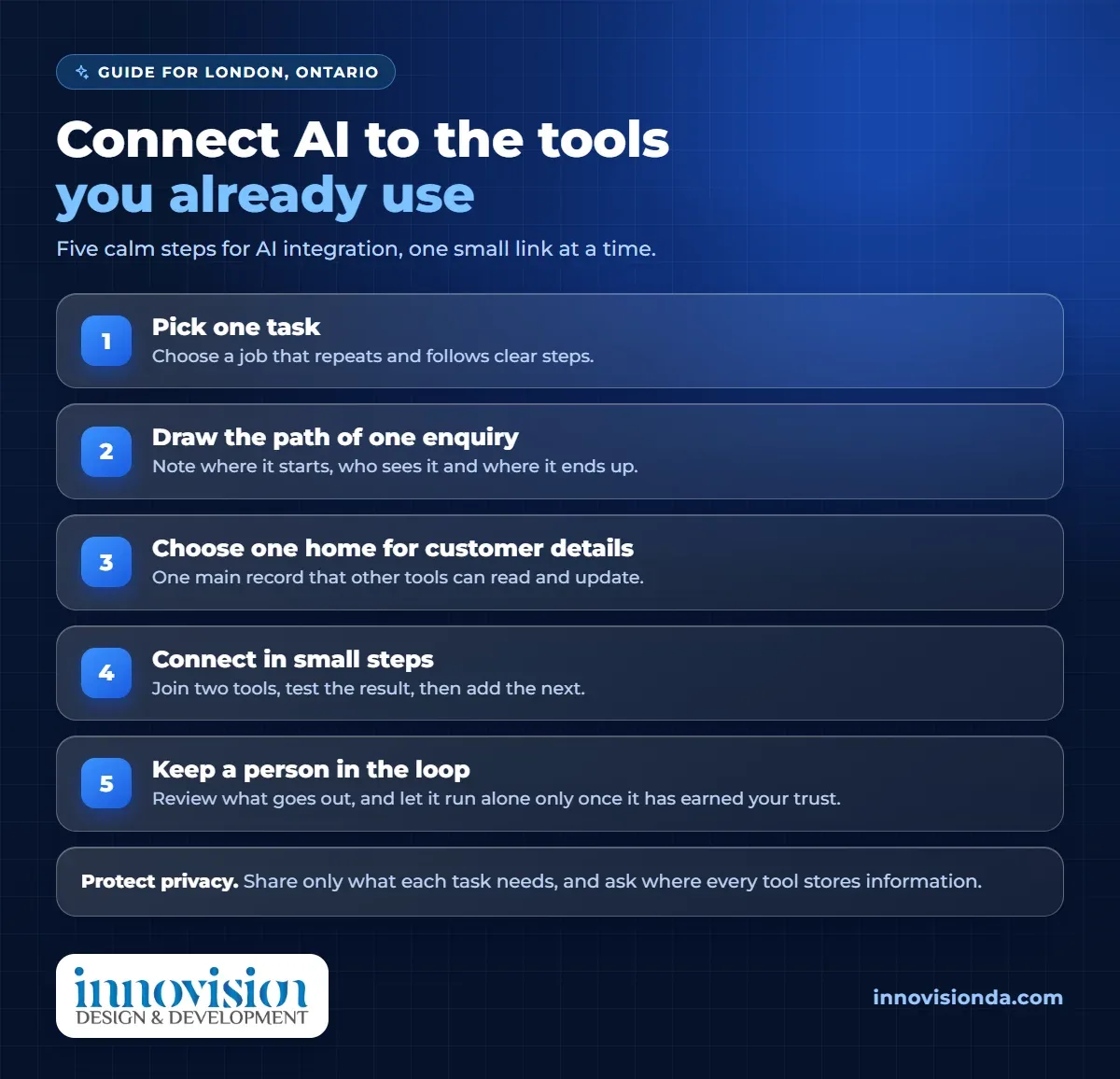
- Draw the path of one enquiry. Write down where a new request first appears, who sees it and where it ends up. The gaps you find are your first integration jobs.
- Choose one home for customer details. When one list is the main record, every other tool can read from it and write back to it.
- Connect in small steps. Join two tools, test the result, then add the next. One working link is better than five half finished ones.
- Keep a person in the loop. At the start, review what is drafted or sent, and let the system run alone only once it has earned your trust.
If your records are scattered, a customer list built for your business can become that single home. Our page on AI CRM explains how a CRM with AI follow ups keeps every enquiry in one place. As an example from our own work, we built a custom CRM for Capital Wealth Realty, a residential real estate brokerage in Ontario. It includes a bulk email campaign engine for reaching clients by segment, and a Meta Ads AI integration that is still in development. You can read the facts in the Capital Wealth Realty case study.
Privacy and trust
Connecting tools means customer information travels between them, so a few careful habits matter for any AI integration London Ontario project. This is general information, not legal advice, so please ask a professional about your own situation.
- Know the rules that apply. In Canada, private businesses are generally covered by a federal privacy law called PIPEDA, and Ontario health information has its own rules. The Office of the Privacy Commissioner of Canada explains how PIPEDA works for businesses in plain language.
- Share only what the task needs. A reminder needs a name and a time, not a full file.
- Ask where information is stored. Before you connect a tool, ask where it keeps data, who can see it and how you can remove it.
- Tell people the truth. If a customer asks whether they are talking to a person or a program, answer honestly.
- Follow the rules for messages. Commercial emails and texts have their own rules in Canada, so make sure people have agreed to hear from you and can opt out.
How to begin
You do not need a large plan. Here is a calm way to begin with AI integration London Ontario businesses can follow at their own pace.
- Pick one task. Choose a job that repeats and follows clear steps.
- Map the path. Note which tools are involved and where information gets stuck.
- Write your answers once. Gather hours, services and common questions in your own words so replies sound like you.
- Test it yourself. Send a test enquiry through the whole path and read every result.
- Add the next link. When the first one is steady, connect the next tool or task.
If you would like a second opinion before you begin, our free AI audit looks at how your business appears and where a first step could help. When you are ready for something built around your own tools, AI automation from our team connects your website, inbox and records so details are entered once.
We work with London businesses from Windsor, and AI integration London Ontario companies ask us about usually starts with a conversation about how you work today, not with a long proposal.
Questions to ask any provider
Whether you work with us or someone else, these questions protect you and keep any AI integration London Ontario project honest.
- Which of my existing tools will this connect to, and what happens if I change one later?
- Where is the information about my customers stored, and who can see it?
- What will the automation send without me, and what comes to me first?
- How will I see what it did, and how do I switch it off?
- What does it cost to run after setup, and what is included?
- Will you explain things in plain language and avoid promises about results?
Where to go next
A small first step into AI integration London Ontario owners can trust can give you back time every week. Write down the one task that takes the most of your time, and ask whether it repeats and follows clear steps. If it does, it is a good first candidate. When you are ready to talk, request a free growth plan, tell us how you work today and we will suggest practical first steps, with no pressure and no promises we cannot keep.
Frequently asked questions
What does AI integration mean for a small business?
It means connecting AI to the tools you already use, such as your website, inbox, calendar and customer list, so work moves between them without copying by hand. A person stays in charge of the decisions that matter.
Do I need to replace my current software?
Usually not. Most projects connect what you already have, so you can start with one task and one link between two tools.
Which task should a London business start with?
Start with the first reply to new enquiries, or with moving website form details into your customer list. Both help every week and are easy to check.
Is it safe to connect customer information to AI tools?
It can be, if you share only what the task needs, ask where each tool stores data and follow Canadian privacy rules. This is general information, so please ask a professional about your own situation.
Do you work with businesses outside Windsor?
Yes. We are based in Windsor and work with businesses across Ontario and Canada, including London.
How do I begin without a big budget?
Pick one repeat task, map where the information goes and test a simple version yourself. You can add more once it works.