Website Content Evaluation: A Simple Checklist for Google and AI Search
A simple website content evaluation checklist: nine areas to score for people, Google and AI search, with a clear way to decide what to improve first.
Innovision Code Team 9 min read
Most business owners know their website matters, but it can be hard to tell whether the words on it are doing their job. A website content evaluation gives you a calm, structured way to find out. It looks at your pages the way a new customer, Google and an AI tool would, and it shows you what to improve first.
This guide gives you a simple nine point checklist. You can score your own website in about fifteen minutes, with no special tools, and you will finish with a short list of next steps.
In this guide
- Why a website content evaluation is worth fifteen minutes
- How to prepare before you begin
- The nine point website content evaluation checklist
- How to score your website content evaluation
- How the same checklist helps with Google and AI search
- Quick wins after your website content evaluation
- Your next step
Why a website content evaluation is worth fifteen minutes
Your website content is the part of your business that speaks when you are not in the room. It explains what you do, shows why you are trustworthy and tells people how to reach you. When the content is clear, visitors act, and search tools understand your pages more easily.
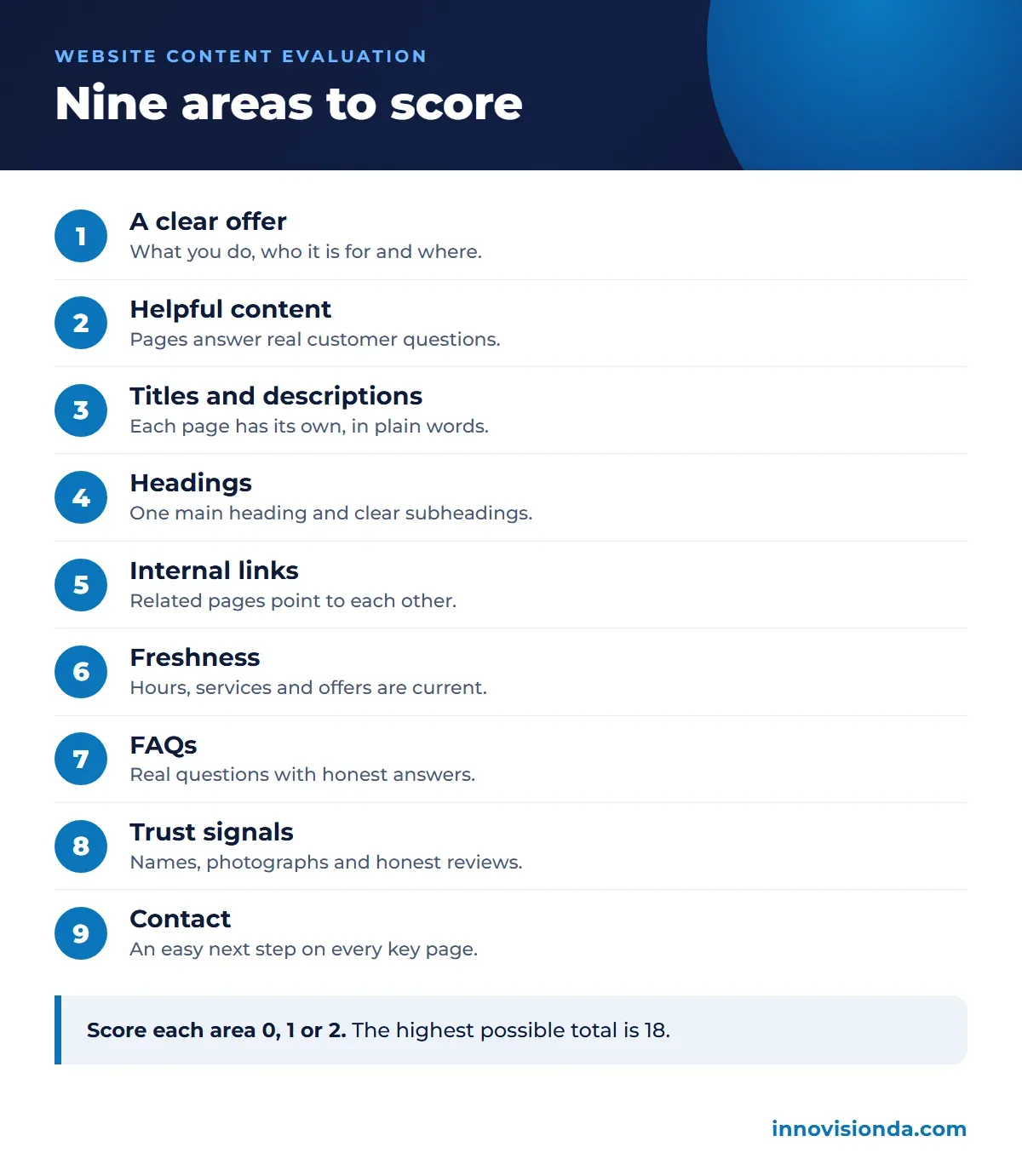
A good evaluation is not an audit full of jargon. It asks plain questions. Can a stranger understand my offer in five seconds? Does each page answer a real question? Is it easy to get in touch? The nine areas below cover those questions, and they apply to a small business of any kind.
You do not need to be a writer or a technical expert. If you can read your website as a visitor, you can complete a website content evaluation. Many owners find it helpful to do it with a cup of coffee and a colleague, because a second pair of eyes notices things you have stopped seeing.
How to prepare before you begin
A little preparation makes the checklist faster and more useful. Here is a simple way to start:
- Choose five pages: your home page, your two or three main service pages and your contact page.
- Open them on your phone first, then on a computer, because many visitors will see the phone version.
- Imagine you are a first time customer who has never heard of your business.
- Keep a short note of what you notice, even small things, so that nothing is forgotten.
- Set aside fifteen minutes and score each area as you go.
There is no need to fix anything while you score. Finish the whole checklist first, then decide what to change, so that you see the full picture before you begin.
The nine point website content evaluation checklist
For each area, give your website 0 points if it is not in place, 1 point if it is partly in place and 2 points if it is clearly in place. Be honest and kind to yourself, since the goal is a useful picture and not a perfect score.
1. A clear offer
Your home page should say what you do, who it is for and where you work within a few seconds. Try showing it to a friend for five seconds, then ask what you sell.
2. Helpful content for people
Each page should answer a real question your customers ask, in plain words, with details that only your business can offer. Content written to help people usually reads better than content written to fill a page.
3. Titles and descriptions
Every page needs its own title and description. Search results often build the title link from the page title, so it helps when it is brief and says accurately what the page is about. A quick test is to read your title aloud and ask whether a stranger would know what to expect.
4. Headings
Use one main heading and clear subheadings that follow the order of your thoughts. Headings help visitors scan a page, and they help search tools understand its structure.
5. Internal links
Link related pages to each other with descriptive words, for example a service page that links to a helpful article. This guides visitors to the next step and helps search tools find your pages. Two or three useful links on a page is a good start.
6. Freshness
Check that hours, services and team details are current, and remove old offers. A page that is kept up to date is easier to trust.
7. FAQs
A short list of real questions with honest answers helps visitors decide, and it makes your answers easy to find for both people and search tools. Use the questions your customers really ask by phone or email.
8. Trust signals
Show who is behind the business with names, a local address, real photographs and honest reviews. Google's guidance on helpful, reliable, people first content says that trust is the most important of the qualities it describes, which are experience, expertise, authoritativeness and trust, and it encourages making clear who created the content.
9. Contact
Make it simple to reach you with a phone number, an email address or a form on every important page. If a visitor has to search for the next step, some will leave. Check this on your phone as well as on a computer.
A helpful pause. Scoring by eye is a good start. For a closer look at speed, search and contact, our free website analysis reviews your website in a few minutes.
How to score your website content evaluation
Add up your points, out of a possible 18. Then read the band that matches your total:
- 15 to 18 points. Your content is in good shape. Keep it fresh and keep listening to the questions your customers ask.
- 9 to 14 points. You have a solid base. Choose the three lowest scores and improve those first.
- 0 to 8 points. There is plenty of room to grow, which is encouraging. Start with the offer, the titles and the contact details, since they help a new visitor most.
Whatever your score, repeat the checklist every few months, and again when you change your services. A short, regular habit is easier than a large clean up, and it keeps your pages accurate. Write your score and the date somewhere safe, so that you can see your progress next time.
How the same checklist helps with Google and AI search
A website content evaluation also prepares you for AI search. Google's documentation for its AI features says that standard SEO best practices apply, and that no special markup or extra files are required. That means the habits in this checklist, which are content that is helpful, well structured and easy to trust, serve both ordinary search and AI search.
A useful experiment is to ask an AI tool a question your customers might ask, then notice whether your own pages offer a clear and complete answer to it. You do not need to expect your business to appear. The point is to see whether your content explains your offer simply.
We explain the wider picture in our guide to website analysis for Google and AI search. Nobody can promise a particular result, but clear and honest content is the best foundation you can give your website.
Quick wins after your website content evaluation
Small, steady changes are enough. These five are often the easiest place to begin:
- Rewrite the opening of your home page so that your offer is clear.
- Give each main page its own title and description.
- Add a short FAQ to your most visited page.
- Update hours, services and contact details.
- Link each service page to one helpful article.
Choose one or two of these for this week, and leave the rest for next month. Steady progress that you can keep up is worth more than a long list that never gets finished.
When you are ready to build on these foundations, our AI SEO page explains how we help businesses get found by Google and AI tools.
Your next step
A website content evaluation is a friendly way to see your website through your customers' eyes. With your score and a short list of quick wins, you know exactly where to begin, and you can repeat the checklist whenever you update your website.
After your website content evaluation, a free website analysis is an easy next step. It checks speed, search and contact in a few minutes, and it gives you a clear starting point alongside your own score. If you would like a second opinion, we will gladly prepare a free growth plan.
Get your free website analysis
Prefer to talk first? You can request a free growth plan and tell us about your business.
Frequently asked questions
What is a website content evaluation?
A website content evaluation is a review of the words, structure and trust signals on your website. It shows whether your pages are clear for people, Google and AI search, and what to improve first.
How long does the checklist take?
About fifteen minutes for a small website. Look at your home page and your main service pages, and score each of the nine areas as 0, 1 or 2.
How often should I evaluate my website content?
Every few months is a good rhythm, and again whenever you change your services, hours or prices. Short, regular reviews are easier than a large clean up.
Do I need special tools?
No. The checklist uses your own eyes and a few honest questions. A free website analysis can add a closer look at speed, search and contact.
Is content for AI search different from content for Google?
Google says that standard SEO best practices apply to its AI features. Content that is helpful, clear and easy to trust serves both.
What should I fix first?
Start with a clear offer, titles and descriptions, and easy contact details. Those three areas help a new visitor the most.