AI CRM for Small Business in Canada: How to Choose the Right One
Small businesses often lose customers in the gaps: a slow reply or a missed follow up. Learn how an AI CRM for small business closes those gaps and how to choose one.
Innovision Code Team 8 min read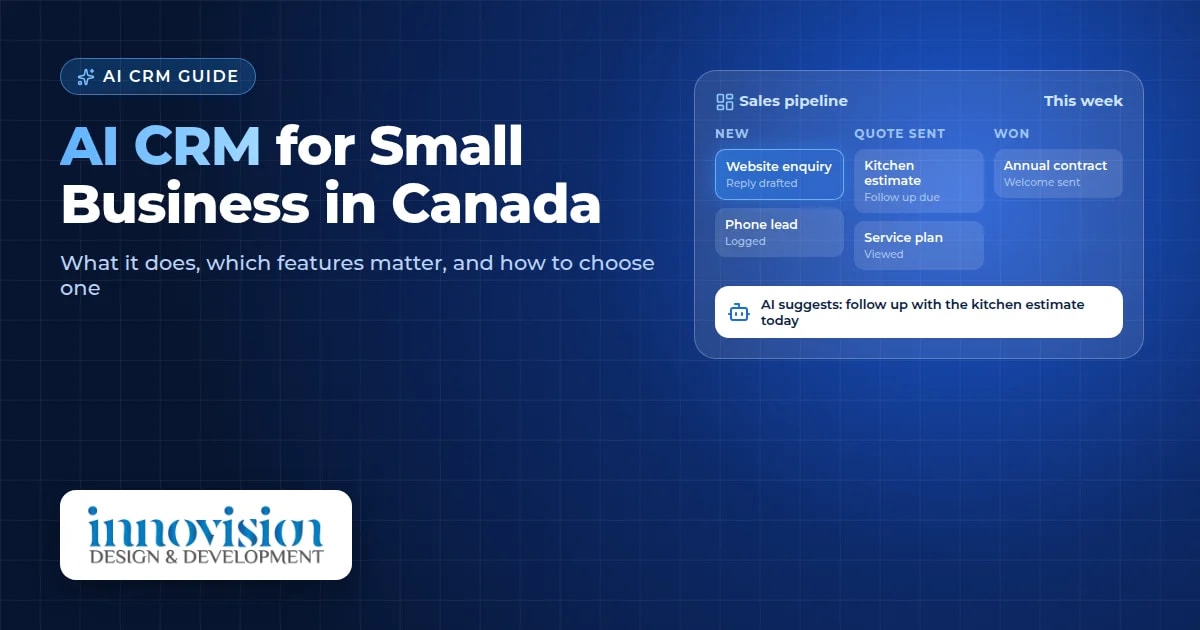
Most small businesses do not lose customers because of a bad product or a poor service. They lose them in the gaps between conversations. A reply that comes a day late, a quote that never gets a follow up, a phone number written on a sticky note and forgotten. An AI CRM for small business is designed to close those gaps, so every enquiry gets a timely, thoughtful response and nothing slips through. Choosing AI for small business in Canada starts with one clear problem, such as slow follow up, and a tool that fits how your team already works.
In this guide, we explain what an AI CRM actually does, which features matter for a small team, what to watch out for, and how Canadian business owners can start in a simple, sensible way.

Table of contents
What is an AI CRM for small business?
A CRM, or customer relationship management system, is one organised place for every contact, conversation and opportunity in your business. Instead of details scattered across email, text messages, spreadsheets and memory, everything lives in one record for each customer.
An AI CRM adds a layer of practical intelligence on top. It can draft replies, remind you who needs attention today, summarise long conversations, and suggest the next best step for each lead. The goal is not to replace the personal touch that small businesses are known for. The goal is to give you more time for it.
Why small businesses lose leads
When we speak with owners of local businesses, the same patterns come up again and again:
Slow first replies. An enquiry arrives while you are on a job site, with a patient, or showing a property. By the time you answer, the customer has already called someone else.
No system for follow up. A quote goes out, and then life gets busy. Without a reminder, many good opportunities simply fade away.
Information in too many places. Notes in a phone, emails in one inbox, details in a spreadsheet. Nobody on the team has the full picture.
No clear view of the pipeline. It becomes hard to know which leads are close to a decision and which need a gentle nudge.
None of these problems come from a lack of effort. They come from a lack of structure, and structure is exactly what a good CRM provides.
What an AI CRM for small business can do
Every business is different, but these are the features we see making the most practical difference for small teams.
1. Capture every lead in one place
Website forms, emails, phone enquiries and social media messages can all flow into one organised list. Each new lead gets a record with its source, so you also learn which channels bring you the best customers.
2. Reply quickly, in your own voice
An AI assistant can prepare a warm first reply within minutes, written in the tone you choose. You can review and send it, or let simple enquiries receive an instant acknowledgement while you prepare a fuller answer.
3. Follow up automatically, but thoughtfully
A good AI CRM reminds you when a quote has gone quiet and can prepare a polite follow up for you to approve. This alone can rescue opportunities that would otherwise be lost.
4. Summarise and suggest
For long email threads or detailed client histories, the AI can write a short summary and suggest a next step, such as booking a call or sending a revised estimate. You stay in control of every decision.
5. Show a clear pipeline
A visual board shows each lead moving from new enquiry to quote, to decision, to won or lost. At a glance, you can see where to spend your time this week.
6. Stay in touch after the sale
Birthday greetings, seasonal reminders, service check ins and simple email campaigns help past customers remember you, which is often where repeat work and referrals begin.
If you would like to see how these features fit together, our AI CRM service page explains our approach in more detail, and our real estate AI CRM page shows how a CRM can be shaped around one industry.
Off the shelf or custom built?
There are two broad paths, and both can be the right choice.
Off the shelf CRM platforms are quick to start and usually charge a monthly fee per user. They suit businesses whose process is fairly standard and who are comfortable adapting to the software.
A custom built CRM is designed around the way your team already works. It can include exactly the fields, steps and automations you need, and nothing you do not. It suits businesses with a specific workflow, such as a brokerage tracking deals and commissions, or a trades company managing estimates, site visits and seasonal service.
At Innovision, we have built a custom real estate CRM for a Windsor brokerage, covering lead capture, deal tracking, commission calculations and branded email campaigns. That experience taught us that the best system is the one your team actually enjoys using every day.
Privacy and trust in Canada
A CRM holds personal information about your customers, so privacy matters. In Canada, many private businesses must follow the federal privacy law known as PIPEDA, which sets out how personal information should be collected, used and protected. The Office of the Privacy Commissioner of Canada offers clear guidance for businesses.
In practical terms, look for a CRM that:
Lets you control who on your team can see which information
Keeps a record of consent for marketing emails, with an easy unsubscribe option
Stores data securely and lets you export or delete it when needed
Is honest about where your data is stored and which AI services process it
This is general information, not legal advice. If your business handles sensitive information, it is wise to speak with a privacy professional as well.
How to choose an AI CRM for small business
Before choosing any system, it helps to answer a few simple questions:
Where do your leads come from today? List every channel, from your website to word of mouth.
What happens after an enquiry arrives? Write the steps down, even if they feel informal.
Where do things go wrong? Slow replies, forgotten follow ups, or lost information.
Who will use the system? Think about how comfortable each person is with technology.
What would success look like in three months? Faster replies, more booked calls, or a clearer view of your sales.
With these answers in hand, you can judge any CRM by one simple test: does it make these specific steps easier for your specific team?
It also helps to think about how your CRM connects with the rest of your marketing. A CRM works best when people can find you in the first place, which is why we often pair it with AI SEO and SEO so more of the right customers reach out.
A simple plan to get started
You do not need to change everything at once. A calm, step by step approach usually works best:
Week 1: Bring all current leads and customers into one list, and agree on the stages of your pipeline.
Week 2: Connect your website form and email so new enquiries arrive automatically.
Week 3: Add instant acknowledgements and follow up reminders.
Week 4: Introduce AI drafted replies and summaries, then review what is working.
From there, you can add more automation step by step. Our guide to AI automation for small business in Canada shares more ideas for saving time across the rest of your business.
Ready to explore an AI CRM for your business?
If you are curious whether an AI CRM could help your team reply faster and follow up more consistently, we would be glad to help. Every project begins with a friendly conversation and a free growth plan, shaped around how your business works today. You can request your free growth plan here.
Frequently asked questions
What is an AI CRM for small business?
It is a customer relationship management system that keeps all your contacts, conversations and opportunities in one place, with AI features that help draft replies, remind you about follow ups, summarise conversations and suggest next steps.
Is an AI CRM worth it for a very small team?
It can be, especially if leads arrive through several channels or follow ups are often missed. Even a team of one or two people can benefit from having every enquiry in one place with timely reminders.
Will the AI send messages without my approval?
That depends on how it is set up. Many businesses prefer the AI to prepare drafts that a person reviews and sends, with only simple acknowledgements sent automatically. You decide the level of automation.
Should I choose an off the shelf CRM or a custom built one?
An off the shelf platform suits a fairly standard sales process and a quick start. A custom built CRM suits businesses with a specific workflow that want the system shaped around how their team already works.
Is my customer data safe in an AI CRM?
A well built CRM controls who can see what, stores data securely and records marketing consent. In Canada, privacy laws such as PIPEDA apply to many businesses, so it is important to ask any provider how and where your data is stored.